
StreamHub+ is a WordPress Plugin that sets up a Streaming Guide for your Fansite!
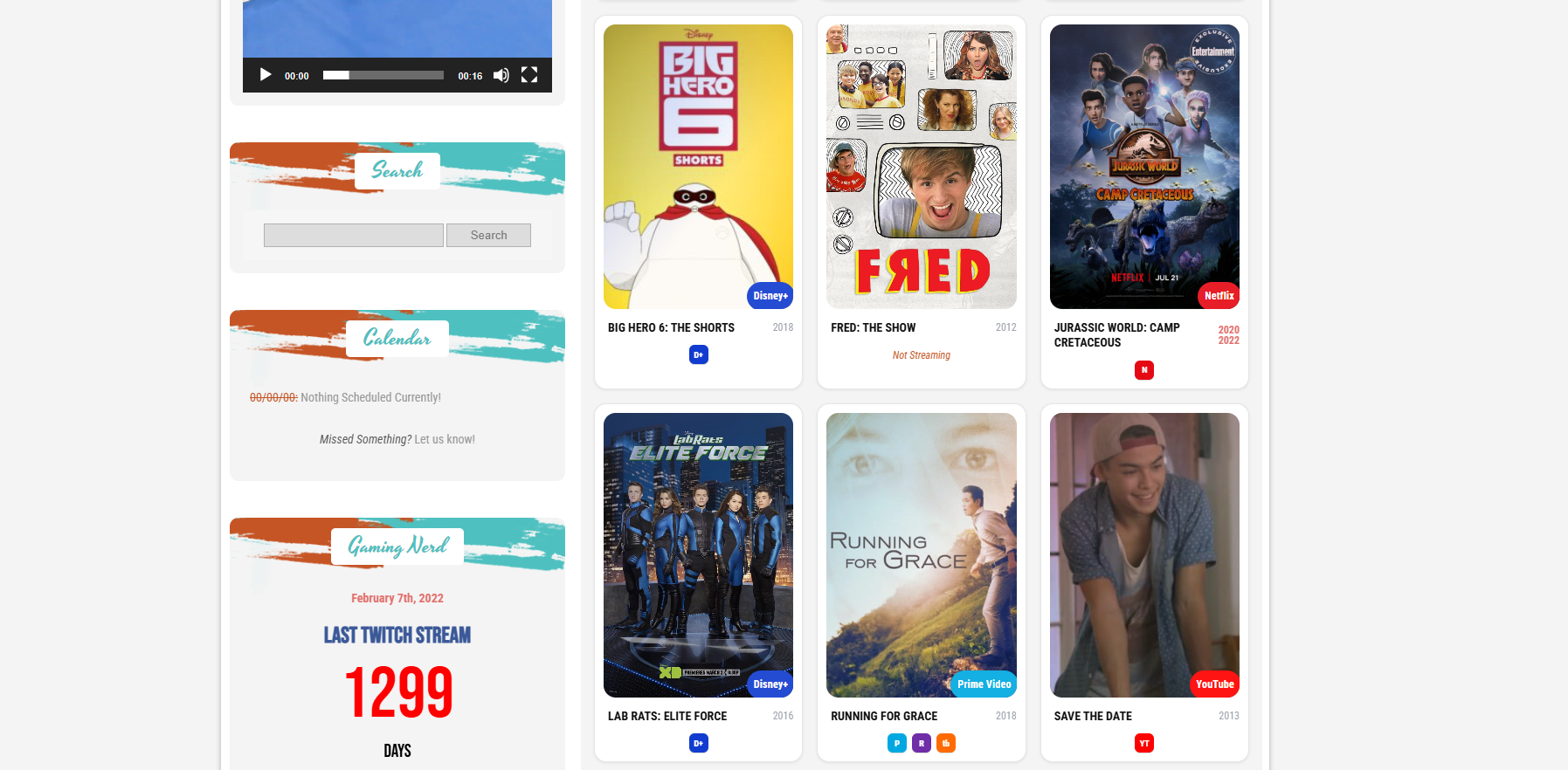
Have you ever wanted a streaming guide on your fansite but was unsure on how to set one up so that it looked nice? Well now you can set up a full guide that you can load with all their projects, even if it’s not currently streaming.
Are you only interested in the features of the plugin? Take a look below at what it features before everything gets explained:
- Supports 22 Streaming Services (+1 Custom Option)
- Project Categories
- Streaming Tags
- Widget Ready (for featuring in your Sidebar)
- Shortcode Ready (for featuring within pages of your site)
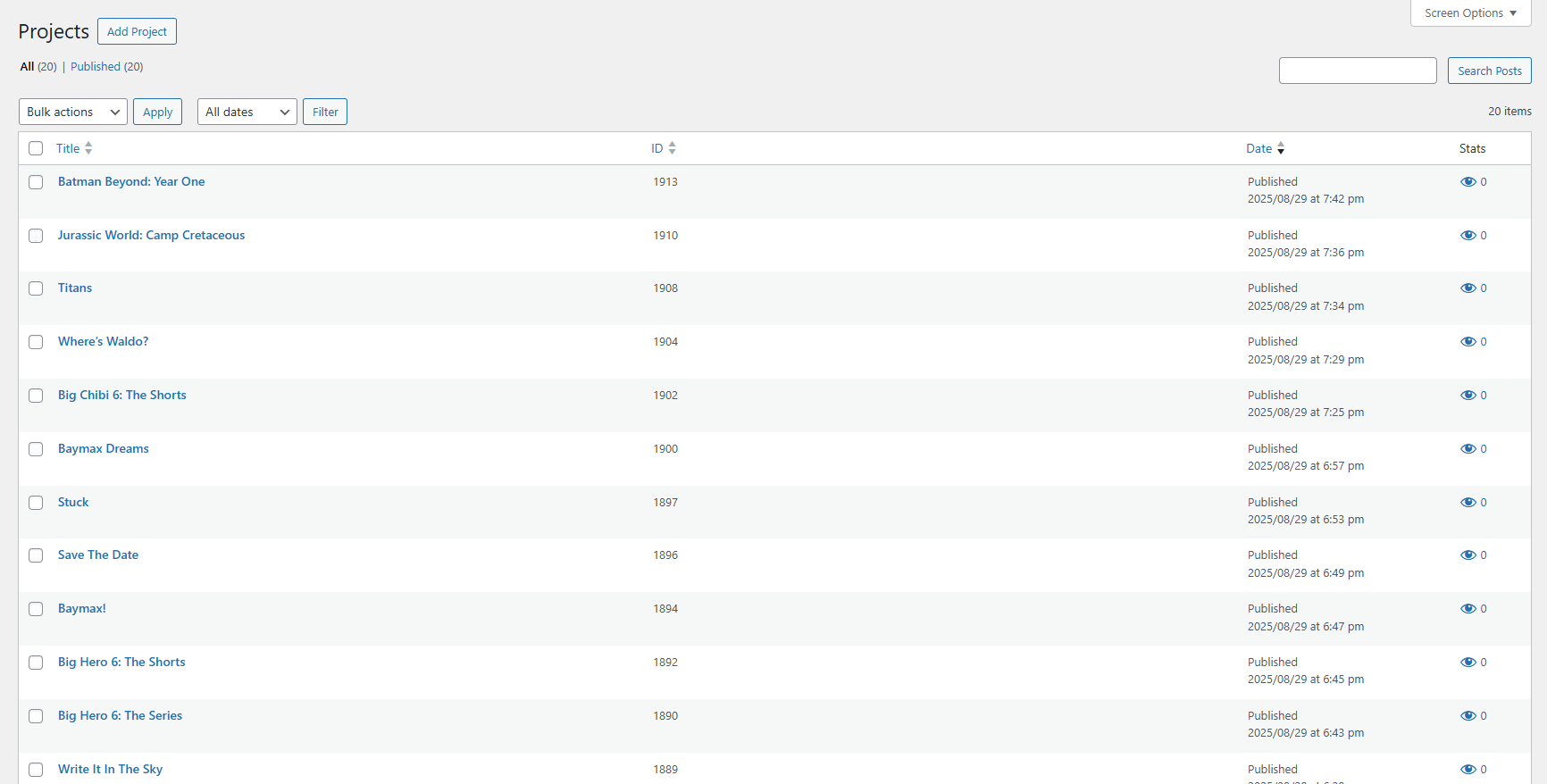
- Ability to link to your Career Archive pages of each project
- Alphabetical, Random or Date Added project sorting
- Customization for colors and other features.
- Custom CSS editor (for advanced users)
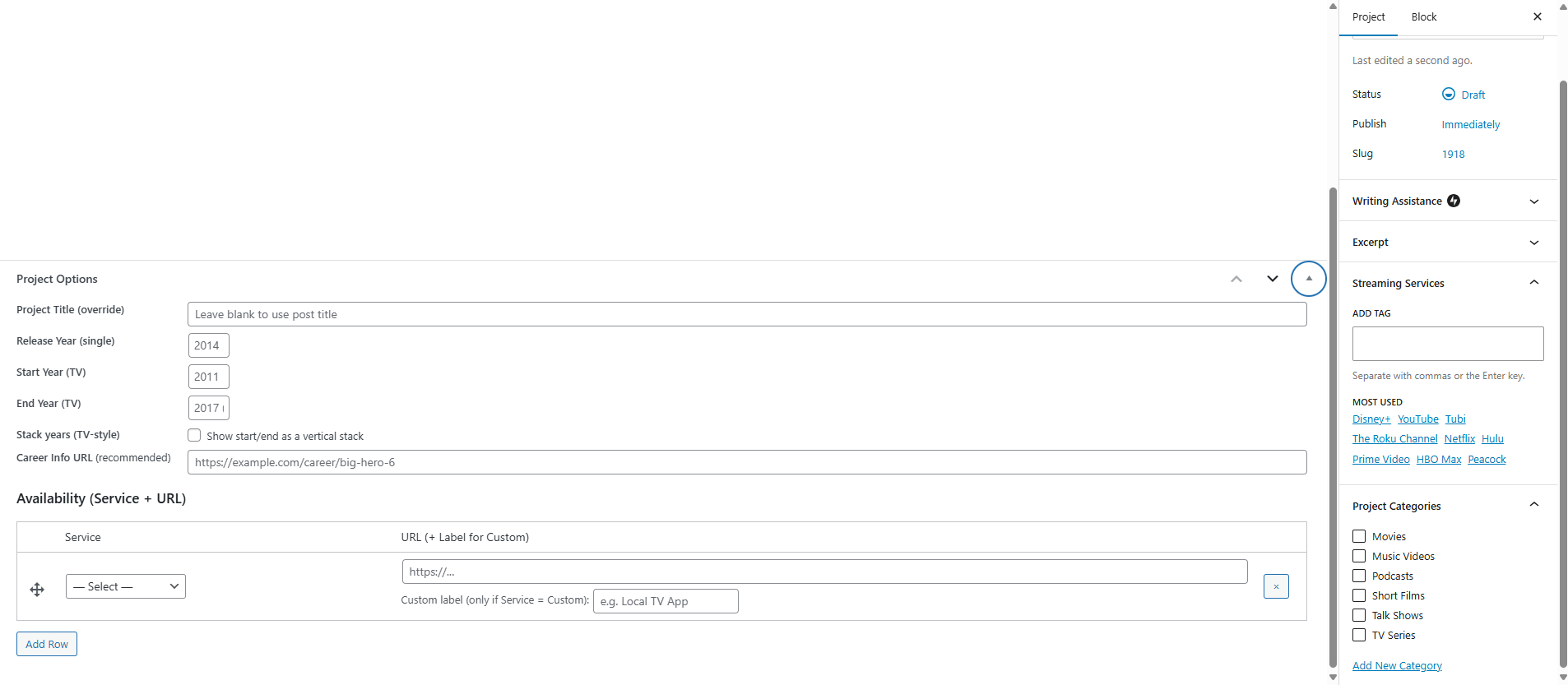
- Display links to several streaming services at once
- Not on Streaming Services? No problem! There’s a “Not Streaming” text!
- Drag & Drop your Streaming links to display them how you want!
- Start Year / End Year for Television Series
- Multiple standard styles for different displays.
Features Explained
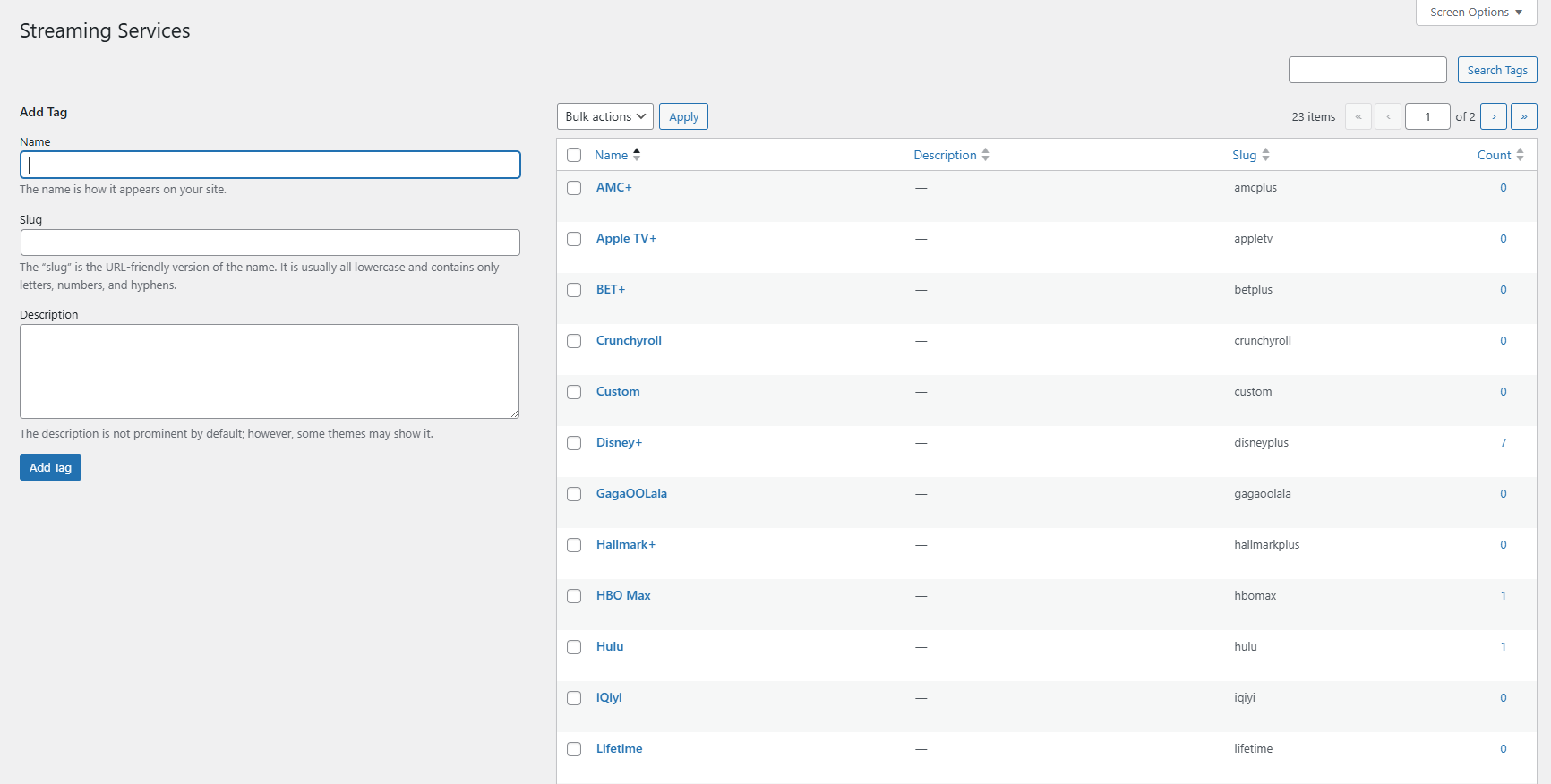
StreamHub+ supports over 22 Streaming Services that are already pre-built into the plugin without the need for you to add anything! Want to see all the streaming services that are already supported? We have a submenu under Projects that list them all for any time after use as Streaming Services.
The Streaming Services tab can be ignored as you shouldn’t need to add anything to it. The full list of services are below but we also feature a Custom label that allows you to do any different streaming service. (More can always be requested through the Contact page to add if any were missed!)
- AMC+
- Apple TV+
- BET+
- Crunchyroll
- Custom Label (Add your own)
- Disney+
- GagaOOLala
- Hallmark+
- HBO Max
- Hulu
- iQiyi
- Lifetime
- Netflix
- Paramount+
- Peacock
- Plex
- Prime Video
- Showtime
- STARZ
- Roku Channel
- Tubi
- Viki
- YouTube
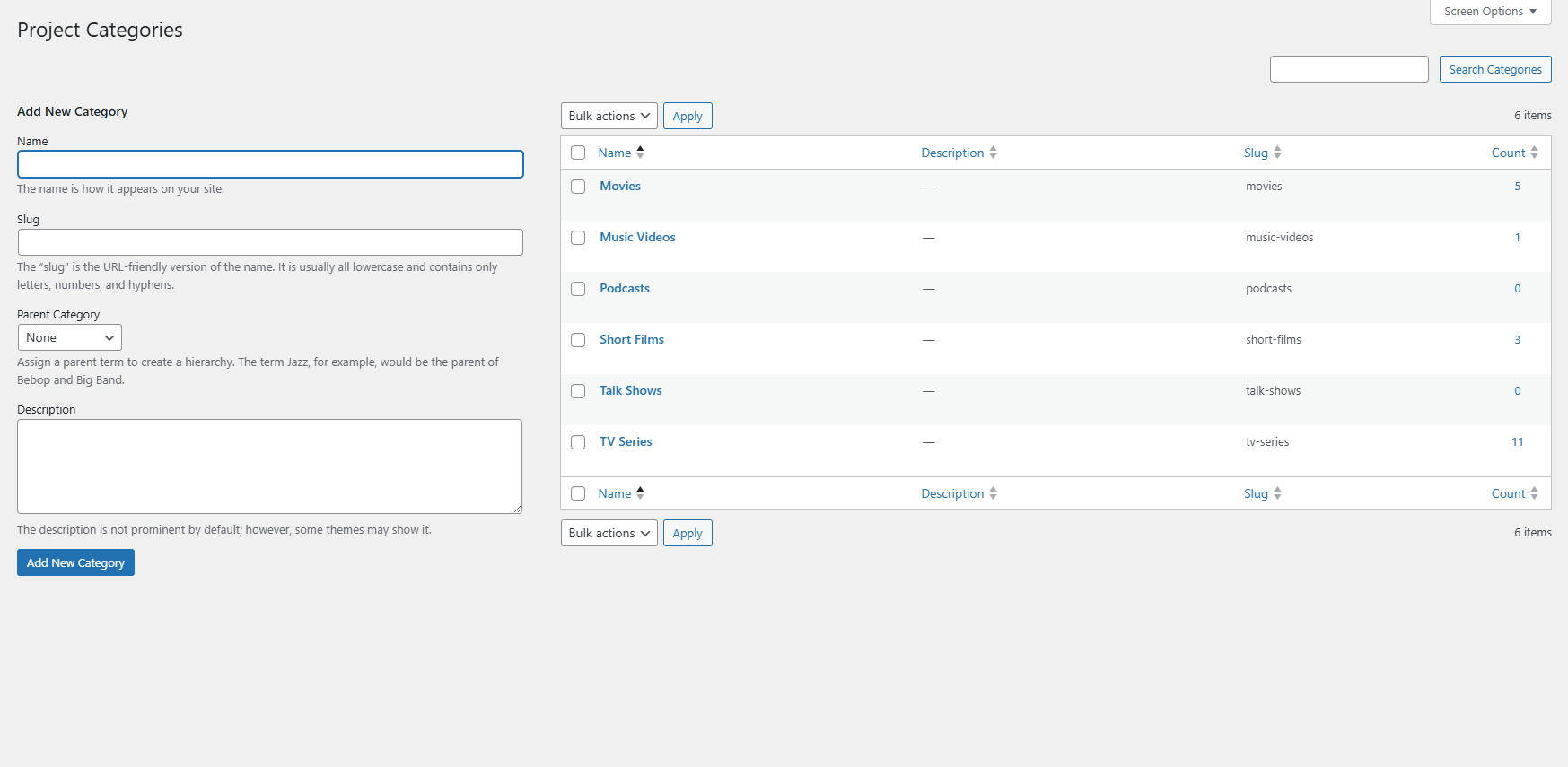
Project Categories will be showcased as Movies, TV Series, Short Films, Podcasts, or Talk Shows. You can add or remove as you need to. This is vital if you would like to sort your projects out by what type it is and you will select this category in the Add/Edit Project screen.
Streaming Tags come from the Streaming Services and has a dedicated space under the Add/Edit Project screen as well, this is vital to sort your projects by what streaming service they’re on. For example, showcasing all the celebrity’s projects that are on Netflix using the shortcode that supplies all Netflix projects.
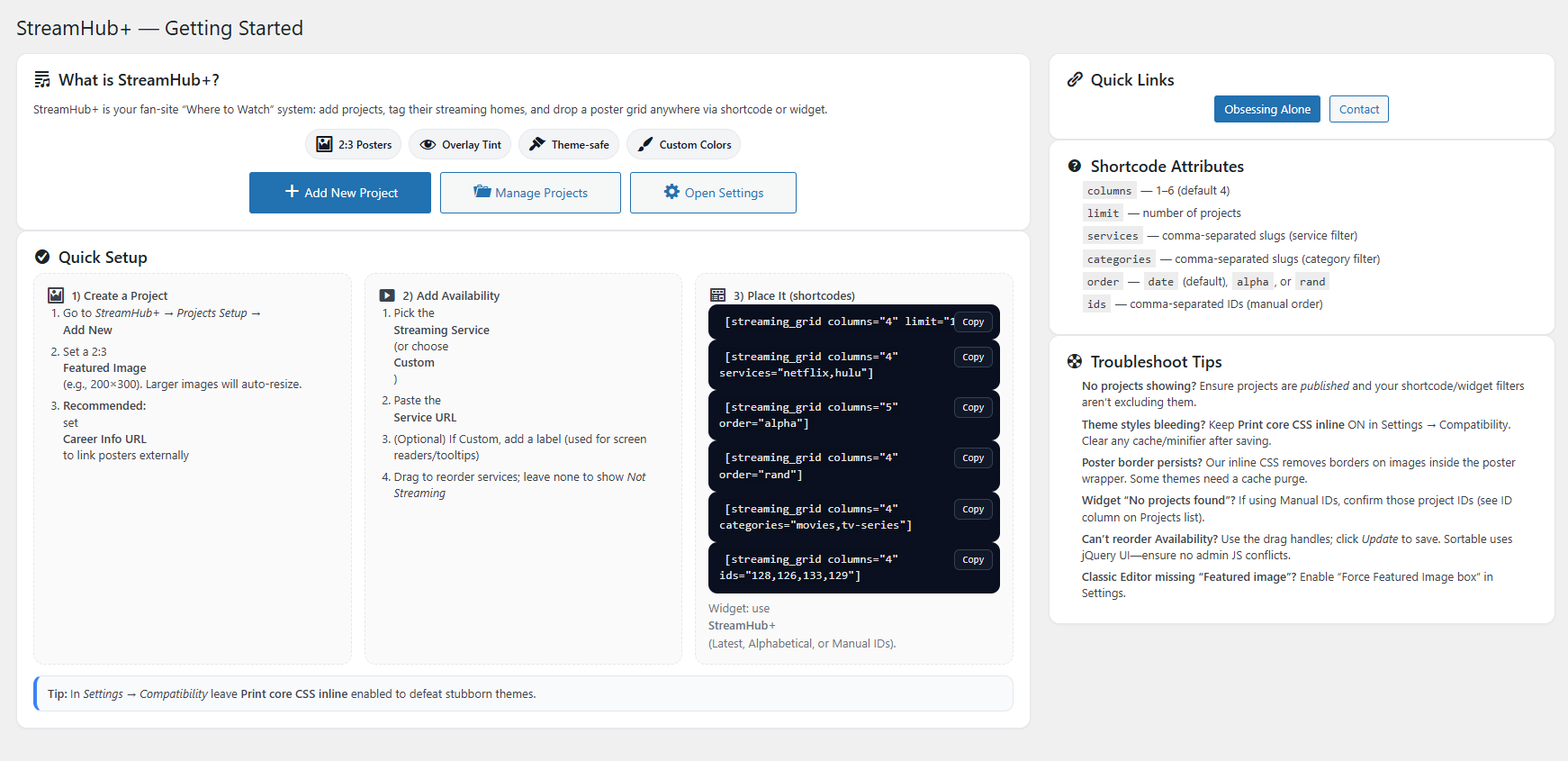
Widget Ready & Shortcode Ready make this possible to be featured in your Sidebar (widget) or on any page on your fansite through the various shortcodes that are available to use.
Career URL is recommended to use for each project as this will link them to your page in your Career Archive where you display all the information about that project. If no URL is used, it will link to the post page of the project which will display nothing, but the featured image stretched as of V0.6.0 (initial release).
Project Sorting has three unique options: Date Added, Alphabetical and Random. This is how the projects display when the shortcode or widget is used.
- Date Added will display the projects in the order that you added them such as if you added The Untamed, Big Hero 6, Descendants and The Proposal in that order, it would display on preview in that order.
- Alphabetical lists the projects in order from A to Z. This would put the projects in order like Big Hero 6, Descendants, The Proposal and The Untamed.
- Random would list the projects in a random order.
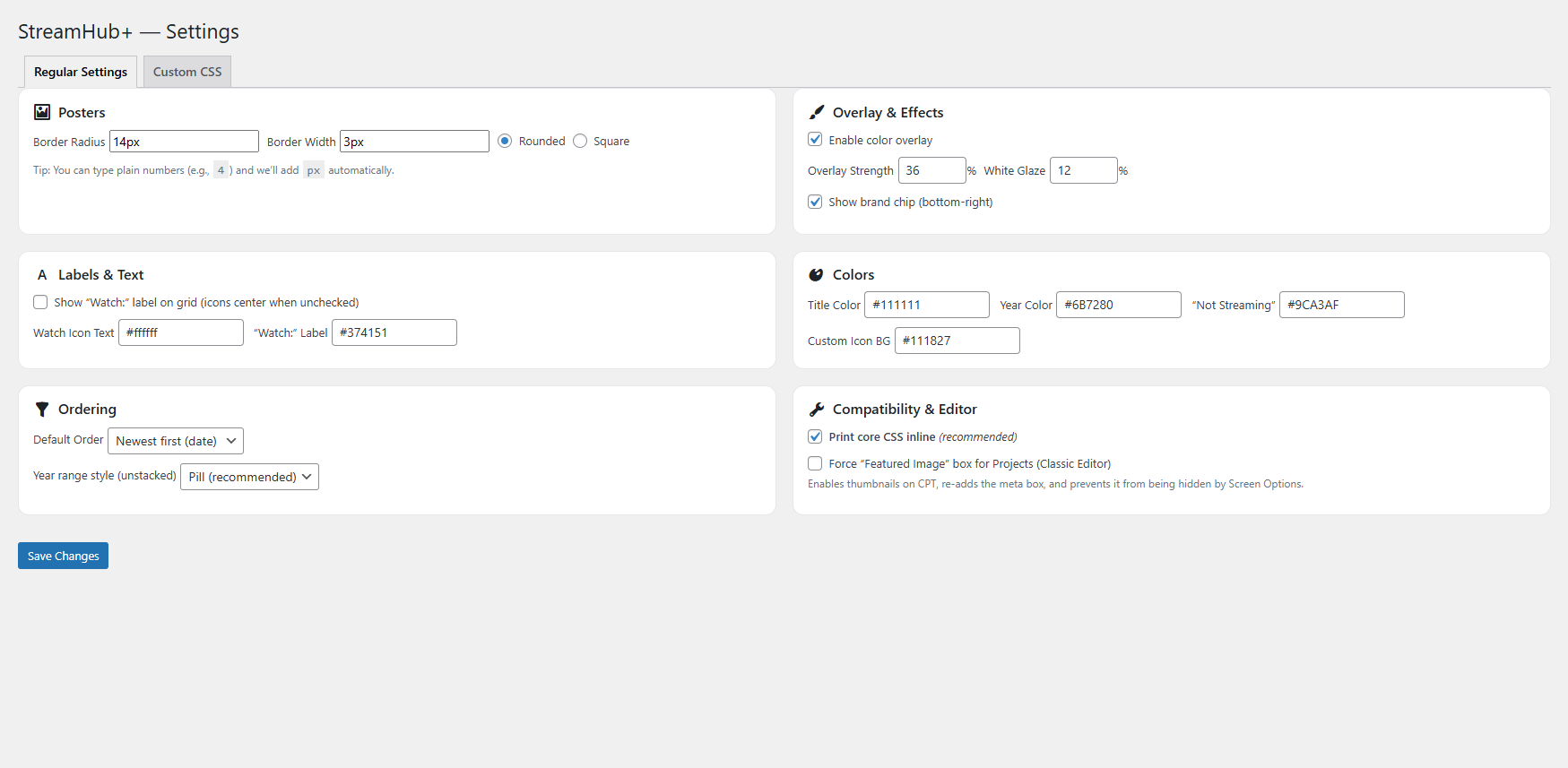
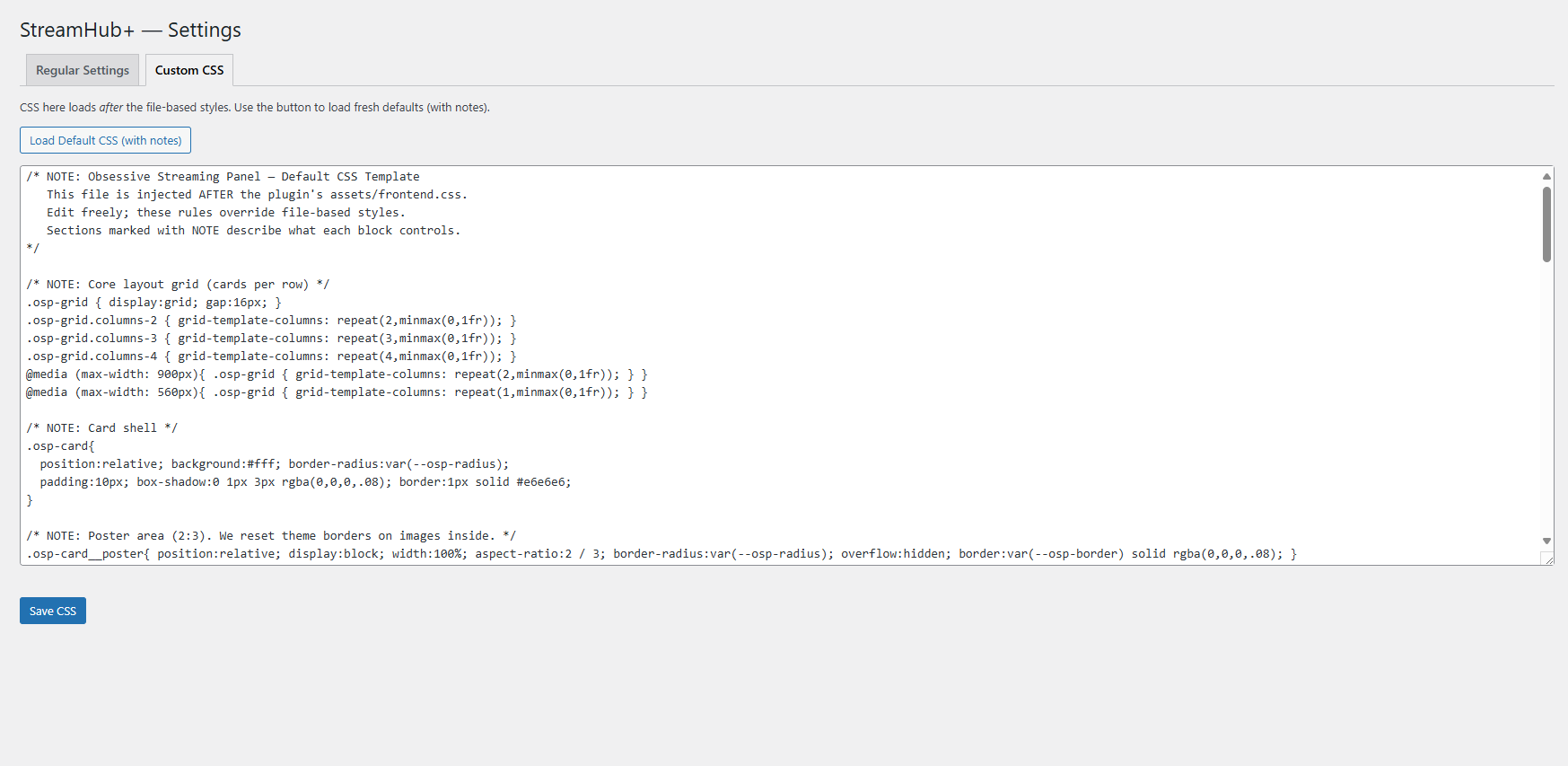
Customize & Custom CSS are for customizing how the streaming guide displays. In Customize, it’s sorted out by Posters, Overlay & Effects, Labels & Text, Colors, Ordering and Compatibility & Editor. This features various options to color, remove, add or change the look of the style. Custom CSS shows the CSS that advanced users can change if they understand how CSS works. You DO NOT need to change or edit anything in Custom CSS.
Display Multiple Streaming Services provides you with the option to list all the streaming services that the project is able to be watched on. If One Piece is available on Crunchyroll & Netflix, then you can add both options to the Availability section when adding or editing a project and tag them as such! This will display an icon under the title and year with buttons linking to those sites.
You can also Drag & Drop Streaming Services while editing them in the Availability section if you have multiple options listed.
Not Streaming? No problem! If it’s not streaming anywhere but you would still like to display the project with the others, simply do not fill out the Availability section when adding (or editing) the project and save. Text that reads Not Streaming will display instead of linked buttons to the streaming service and will still look nice in the various Styles of Display that we have.
A cute idea that we also implemented for Television Series is the ability to add a Start Year & End Year for the time that the series was on and your celebrity starred in it. If they were only on one season or in an episode, just use the Release Year (single) option when adding or editing the project. If they spanned multiple seasons over multiple years, leave the Release Year (single) empty and fill out the Start Year (TV) and End Year (TV) instead. Is it a currently airing series that will continue in the future? Leave the End Year (TV) box blank and on the front end on display, it will show “2023 – Present” instead of an end year!
Use Stack Years (TV-style) for the Start/End Years to stack on top of each other on display, this a per-project option and can also be unchecked for a standard in-line style which you can switch between Pill Button, Inline Compact and Subtitle option through the Settings page.
Changelog
OAN-0.6.6 (September 4, 2025):
- Version has been upgraded to 0.6.6
- Duplicate option added to Project List, easily duplicate your projects!
- FIXED: Streaming Services that were added by the user (via Projects → Streaming Services) will no longer appear on a white background with the new Icon/Overlay Color option.
The FIX added an additional field to creating/editing a Streaming Service that you can use for the background color SO you don’t have to fill out the field each time in individual projects.
OAN-0.6.5 (September 1, 2025):
- Version has been upgraded to 0.6.5
- Custom Label TV Icon was updated to reflect a nicer looking TV
- Custom Pill Badge (on Poster) now has a background instead of just being text.
- Ribbon Banners were added to reflect a ribbon on the upper left corner of the poster, there’s 5 presets: Most Awarded, Most Popular, Most Watched, Most Nominated & Top Favorite. You can also create your own custom text for it to say whatever you wish.
- Ribbon Banners are assigned when Adding or Editing a project.
- Color Settings for Text + Banner color were added to the Settings Page.
- Color Settings for the Icon/Overlay Colors can now be changed when Adding or Editing a project and these are per project, meaning that each project can have different colors. Defaults will be used if you do not change the color.
- Streaming Services that were added by the user (via Projects → Streaming Services) will no longer appear on a white background with the new Icon/Overlay Color option.
- Tooltips now have a style instead of being defaulted to the browser settings, they also have a setting in the Settings page.
- Ability to sort by YEAR has been added! You can now add order=”year_asc” (ascending meaning the year counts up: 2012, 2015, 2018) or order=”year_desc” (descending meaning the year counts down: 2025, 2020, 2018, 2017) to your Shortcode on any page that uses it.
- In StreamHub+ → Settings: Fields to customize Tooltips, Ribbon Banners, Year Pill, Card Container (Border px, Border Color and Container Background)
- In StreamHub+ → Settings: An option for Grayscale Posters that become color on hover was added. (Thanks, Deanna for the idea. x)
- In StreamHub+ → Getting Started: A new header was added while tweaking the containers on the page to appear more spaced out and not look so cluttered.
OAN-0.6.0 (August 29, 2025):
- Initial Release
Reviews
 Best widget ever!
I absolutely adore this plugin! It’s super easy to set up and add projects and streaming services. I love how it looks on the site but also the fact that we can chose how many rows and columns we want to display. Also +1 for the sidebar widget, it looks awesome! I’ve become addicted to this plugin and will try to make the most of it. Plus, adding to the fact that it’s easy to use, it can be super useful for any visitor, so it’s a win-win! Thank you Zach for this awesome idea.
37 of 91 people found this review helpful.
Help other customers find the most helpful reviews
Did you find this review helpful?
You must log in to submit a review.